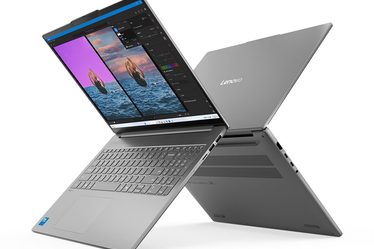
I used to think that upgrading my desk setup simply meant getting a better computer. Over time, however, I realized that the factors truly shaping my daily experience are often the seemingly trivial details that are easily overlooked.
Is the screen comfortable to view? Does the keyboard feel natural to use? Are the cables a tangled mess? How do I handle the occasional need for a second monitor? These are issues I face every day, subtly influencing my workflow and mood. That is why, instead of rushing to replace my computer, I decided to start by upgrading the desk setup itself.
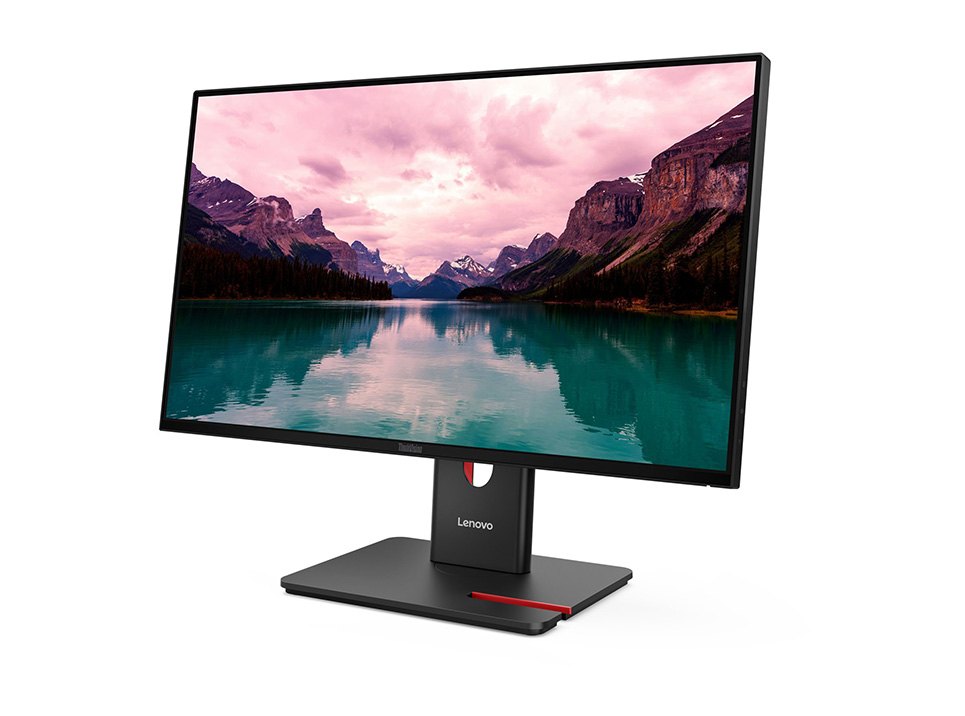
01 | Lenovo ThinkVision T24-40: The First Change I Notice Every Day
The first thing I changed was my monitor.I chose the Lenovo ThinkVision T24-40. It is a 24-inch-class IPS monitor with a refresh rate of up to 120Hz.
Every time I turn on my computer, the screen is the first thing I see, so I’ve started paying much more attention to the overall viewing experience.
When I was writing articles before, I often had to switch between my research materials and my draft. After adding a more suitable external monitor, my desk suddenly feels much more spacious.
I can keep my article open on one side and my reference materials on the other.For me, this isn’t some dramatic transformation. It’s simply a small convenience that I notice every single day.
02 | Lenovo Wireless Multi-Mode Pro 6000: I Finally Started Caring About My Keyboard and Mouse
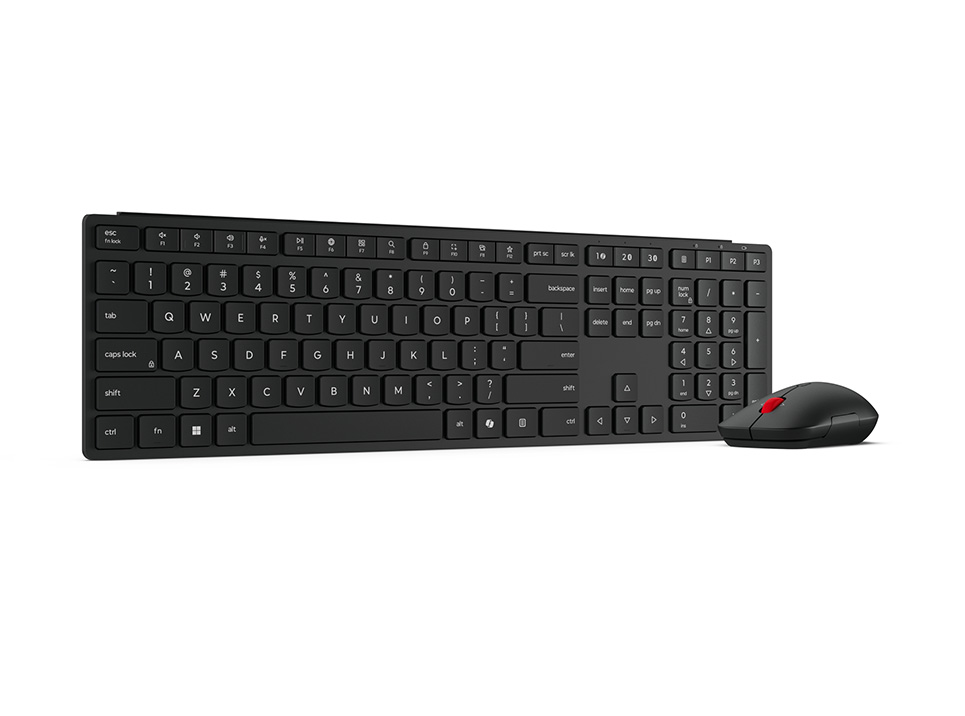
My second upgrade was the Lenovo Wireless Multi-Mode Pro 6000 keyboard and mouse set.I honestly didn’t pay much attention to keyboards and mice in the past.As long as they worked, I was satisfied.
But after writing several thousand words every day, I realized just how much time my hands actually spend interacting with the keyboard. When a keyboard feels comfortable to me, I find myself more willing to sit down and keep writing.
I also really like having a wireless setup. With fewer cables on my desk, I can rearrange things more easily. Even when I need to move my laptop away from the desk, I’m not constantly dealing with a bundle of cables.For me, it hasn’t changed what I do for work, but it has made the everyday process of using my computer feel much more natural.
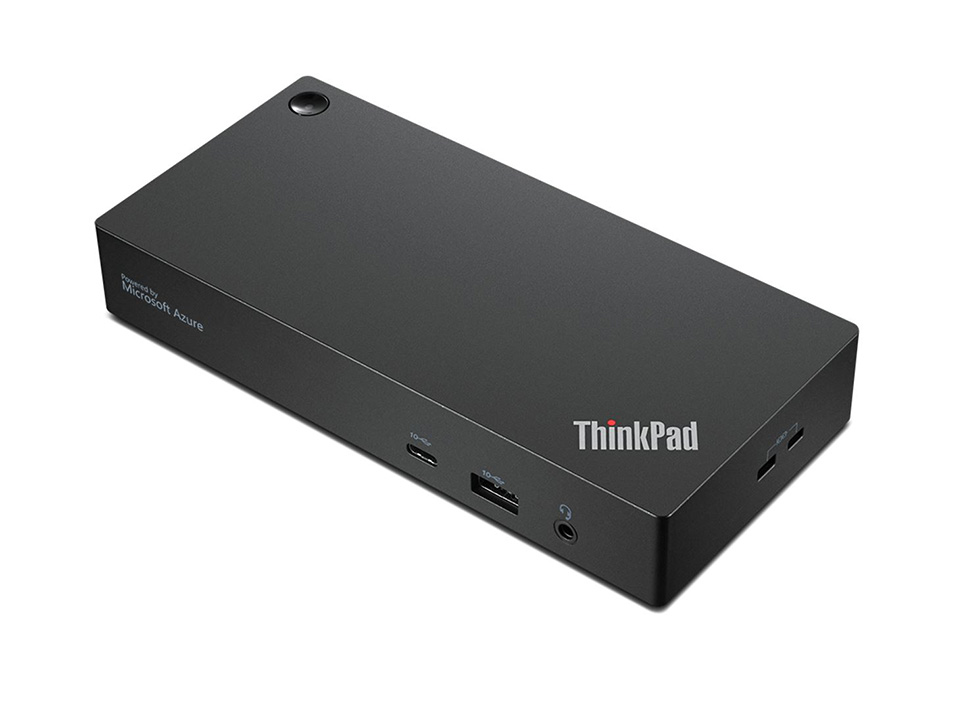
03 | Lenovo ThinkPad Universal USB-C Dock: I Finally Started Organizing My Cables
There was another thing about my old desk that really bothered me: cables.My monitor, computer, keyboard, mouse, and other devices all needed their own connections. Every time I added another device, it felt like another cable appeared on my desk.
That’s why I decided to add the Lenovo ThinkPad Universal USB-C Dock.The reason I like it is actually very simple: I don’t want to spend time plugging and unplugging different devices every day.
Now I prefer to keep my frequently used devices connected and organized. When I need to work, I can connect my main device and get started.I used to think that organizing cables was mainly about making the desk look better. Now I’ve realized that a cleaner workspace also makes me feel more relaxed.
04 | Lenovo ThinkVision M15: I Finally Have a Second Screen I Can Take With Me
The last product that I find particularly useful is the Lenovo ThinkVision M15 portable monitor.When I work outside the home, one of the things I miss most is having enough screen space.
At home, I can have several windows open at the same time. But once I move to a café or another location, I often find myself constantly switching between pages.
The Lenovo ThinkVision M15 is a 15.6-inch portable Full HD monitor.What I really like about it is that I only bring it out when I need it.It doesn’t take up space on my desk all the time, but when I need to organize research materials or handle multiple tasks, I can quickly give myself some extra screen space.For me, this fits my working habits much better than simply trying to get a larger computer screen.
My Upgrade Wasn’t Really Just About My Desk
After finishing these upgrades, my biggest feeling wasn’t that my desk suddenly looked more sophisticated.What I noticed more was that I actually became more willing to sit down and work.
The Lenovo ThinkVision T24-40 has improved the way I work with a screen every day. The Lenovo Wireless Multi-Mode Pro 6000 made me pay more attention to the comfort of my input devices. The Lenovo ThinkPad Universal USB-C Dock helped me get rid of messy connections, while the Lenovo ThinkVision M15 gave me the option to stay productive when I’m working away from home.
I used to think that the more powerful my equipment was, the more complicated my desk needed to be.Now I feel the opposite. The right Lenovo setup for me should make me worry about fewer things.
I don’t want to spend time figuring out which cable goes where. I don’t want to keep switching windows just to find the information I need. And I definitely don’t want a messy desk to affect my mood.I think that’s the biggest change this Lenovo desk upgrade has brought me. It isn’t about having more devices. It’s about solving the small problems I encounter every day, one by one.